Need Internet Now? How to Get Online Today or Tomorrow
Need internet service installed today or tomorrow? Learn how to find same-day or next-day installation options from providers like Xfinity, AT&T, and Verizon.
Getting internet service installed today is possible through self-installation kits from cable providers like Xfinity and Spectrum, or by finding a provider with a rare same-day technician appointment. Your fastest and most realistic option is to check which providers at your specific address offer immediate activation through a self-setup kit you can pick up in-store.
For many people, especially those moving into a new home, waiting a week or more for a technician is not an option. The key to getting connected quickly is understanding which technology types and providers are built for speed. While a brand new fiber optic line requires a professional, many homes are already wired for cable internet, making it as simple as plugging in a new modem. This guide walks you through the fastest ways to get online, what to expect, and how to find the providers that can get you connected without the wait.
Which providers offer same-day internet installation?
Cable internet providers like Xfinity and Spectrum are your most likely option for same-day service because they often offer self-installation kits that you can pick up from a local store or service center. If your home has had their service in the past and the physical line is still active, you can often be online within an hour of getting the equipment. While less common, some fiber providers such as AT&T Fiber and Verizon Fios may have last-minute cancellations that open up same-day or next-day technician appointments, but this is not something you can typically count on.
Another increasingly fast option is 5G home internet. Providers like T-Mobile Home Internet and Verizon 5G Home Internet mail you a gateway device that you simply plug in. If you can find a corporate store that stocks the equipment, you could potentially sign up and walk out with the device on the same day. The most important first step is to check availability at your address to see which of these fast options are offered in your neighborhood.

How does a self-installation kit work?
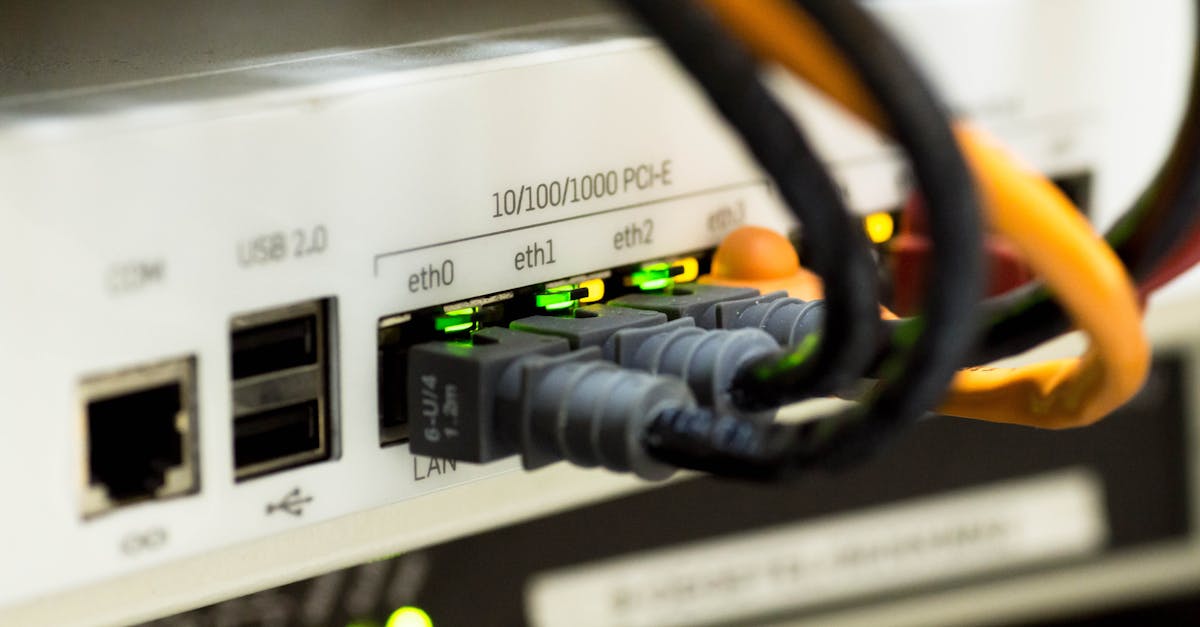
A self-installation kit includes a modem or gateway device, a coaxial cable, an ethernet cable, and a power cord, allowing you to connect your service by plugging the equipment into a live cable outlet and activating it online. This process is designed to be simple and avoids the need to schedule and wait for a technician, saving you both time and a potential installation fee. Once you've confirmed your address is eligible, you simply connect the coaxial cable from the wall outlet to the modem, plug it into a power source, and wait for the device's lights to indicate it has a signal.
After the physical connection is made, you'll typically complete the activation process by connecting a computer to the modem via ethernet or by joining the temporary Wi-Fi network it creates. The device will direct you to the provider's activation web page where you'll confirm your account details and the system will finalize your connection. The entire process, from unboxing to browsing, can take as little as 15-30 minutes.
What if my home isn't wired for my chosen provider?
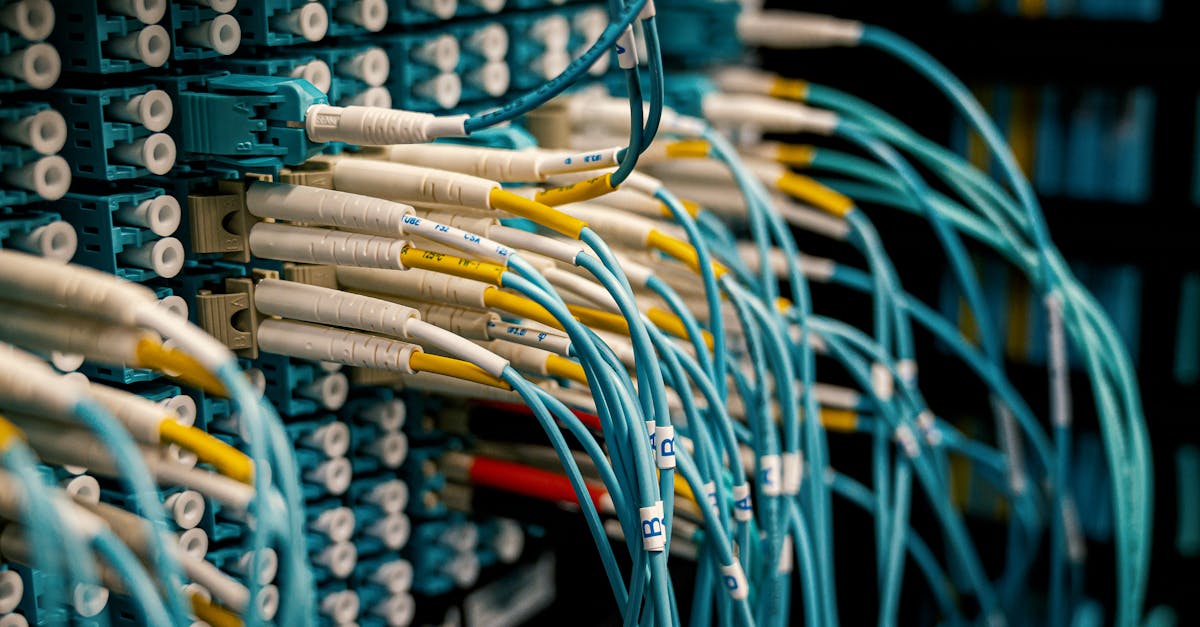
If your home is not wired for a specific provider or has never had their service before, you will need a professional technician installation, which makes getting service immediately almost impossible and typically requires an appointment several days or even a week out. This is because the technician needs to run a new physical line from the utility pole or pedestal on the street to your home, a process often called a 'line drop'. They will then install a new outlet inside your home if one doesn't exist.
This scenario is most common for fiber internet connections, which require a dedicated fiber optic cable to be run to the premises. It also applies if you're moving into a brand-new construction or switching to a cable provider that has never serviced your address before. This is why it's critical to check which providers are not just available in your area, but have previously serviced your specific address if you're hoping for a fast setup.
What are the fastest alternatives to traditional internet?
If you need internet immediately for work or school and cannot get a traditional provider installed in time, using your smartphone as a mobile hotspot or getting a dedicated 5G hotspot device are the fastest ways to get online. Tethering your phone creates a small Wi-Fi network that your laptop or other devices can connect to, using your phone's cellular data plan to access the internet. This is a perfect temporary solution, but be mindful of your plan's data caps, as streaming video or large downloads can use up your high-speed data allowance quickly.
For a more robust temporary solution, a dedicated mobile hotspot device from a wireless carrier can offer a stronger connection for multiple devices. For a permanent solution that is still incredibly fast to set up, 5G home internet is the top contender. Because it runs on a cellular signal, there are no wires to install. The provider ships you a gateway, you plug it in, and you're online, making it a powerful alternative to traditional cable internet or fiber.

How much does it cost to get internet set up quickly?
The cost for a fast internet setup can range from free with a self-install kit to over $100 for a professional same-day or expedited technician visit, with monthly service plans typically starting around $50 to $80. Many providers waive activation and installation fees as part of their standard internet deals, especially if you order online. Self-installation is almost always the most budget-friendly option, eliminating the standard $50 to $100 fee for a technician's visit.
Beyond the setup fee, you'll have your monthly plan cost, which is determined by the speed you choose, and a possible equipment rental fee, which usually runs between $10 and $20 per month. Some providers include the router or gateway in the monthly price, while others allow you to purchase your own compatible equipment to avoid the rental charge. Always ask about promotional pricing, as many providers offer a discounted rate for the first 12 months of service, which can significantly lower your initial costs.
| Setup Method | Typical Timeframe | Average Cost | Best For |
|---|---|---|---|
| Cable Self-Install | Instant to 1 Hour | Free (or cost of kit) | Getting online today in a pre-wired home |
| Professional Install | 3-7+ Days | $50 - $150 | New service, fiber optics, or complex setups |
| 5G Home Internet Setup | Instant to 2 Days | Free | Quick, simple setup where 5G is strong |
| Mobile Hotspot | Instant | Uses your phone's data plan | Temporary emergency access |
How can I find every internet option for my address?
The most reliable way to find every internet provider and plan for your exact address, including those with immediate installation options, is to use a comprehensive comparison service that checks fiber, cable, 5G, and satellite providers in one step. Relying on individual provider websites only shows you their own offerings, and generic zip code searches are often inaccurate because availability can change from one side of a street to the other. You need to verify service at the specific address level.
Using a tool like the KonnectX availability checker allows you to see a complete, unbiased list of the providers that can service your home. Once you see your options, you can compare plans side-by-side and call an expert who can help you understand the details of each one. They can check the providers' systems for the earliest available installation dates—including self-install eligibility and open technician slots—to help you get connected as fast as humanly possible, all at the same price as going directly to the provider.

Key takeaways
- Cable providers like Xfinity and Spectrum are the best bet for same-day internet via self-installation kits.
- If your home needs new wiring or a fiber connection, a professional installation is required, which usually takes several days to schedule.
- 5G home internet is a very fast installation alternative, as the plug-and-play equipment can be active as soon as you receive it.
- Using your smartphone as a mobile hotspot is the quickest way to get temporary internet access in an emergency.
- Always check for serviceability at your specific address to confirm which providers and installation methods are actually possible.
FAQ
Can I get internet installed on the weekend?
Yes, many major internet providers offer technician appointments on Saturdays, but they are in high demand and tend to book up quickly. Self-installation kits can be activated any day of the week.
How long does a professional internet installation take?
A standard professional installation typically takes between two and four hours. This can vary depending on whether the technician needs to run new wiring to or inside your home.
Do I need to be home for the installation?
Yes, for any professional installation, an adult aged 18 or older must be present at the premises for the entire duration of the technician's visit to authorize the work and access.
What's the difference between a modem and a router?
A modem is the device that connects your home to your internet service provider's network. A router is what takes that internet signal from the modem and creates a local Wi-Fi network for your devices to connect to. Many providers now offer a single 'gateway' device that combines both functions.
Can I use my own router and modem?
For most cable internet providers, you can use your own compatible equipment to avoid monthly rental fees. However, fiber, 5G, and satellite internet services usually require you to use the specific gateway device they provide.
Is there a way to get internet without a credit check?
Yes, several providers offer prepaid internet plans that do not require a credit check or a long-term contract. These plans, like those from Verizon, Cox, and Xfinity, allow you to pay for service on a month-to-month basis.